
How to Automate Your Studio Post-Production with Descript and Other AI Tools

In today’s fast-paced world of digital content creation, efficiency is everything. Whether you’re producing a corporate video, podcast, product promo, or interview series, post-production can be one of the most time-consuming parts of the process. But thanks to modern tools like Descript, creators now have access to AI-powered editing that can automate your studio post-production — saving time, improving consistency, and freeing up creative energy.
At TSS Studios, we know how valuable time is for creators. That’s why we’re big believers in blending professional studio resources with smart, time-saving tools to make post-production faster and more seamless.
Why Automate Your Studio Post-Production?
Editing has always been a labour of love, but it can also be a major bottleneck. Between trimming clips, cleaning up audio, and syncing footage, even simple projects can demand hours of manual work.
That’s where automation comes in. With AI tools like Descript, creators can streamline the editing process and produce professional results in a fraction of the time.
Here are a few key benefits of automating your post-production workflow:
Speed – AI tools drastically cut editing time by transcribing, syncing, and trimming content automatically.
Consistency – Automated features help maintain a uniform look and sound across your videos.
Accessibility – Even beginners can now produce professional-quality videos without years of technical experience.
Creative freedom – Less time spent on repetitive editing tasks means more time to focus on storytelling and visuals.
Getting to Know Descript
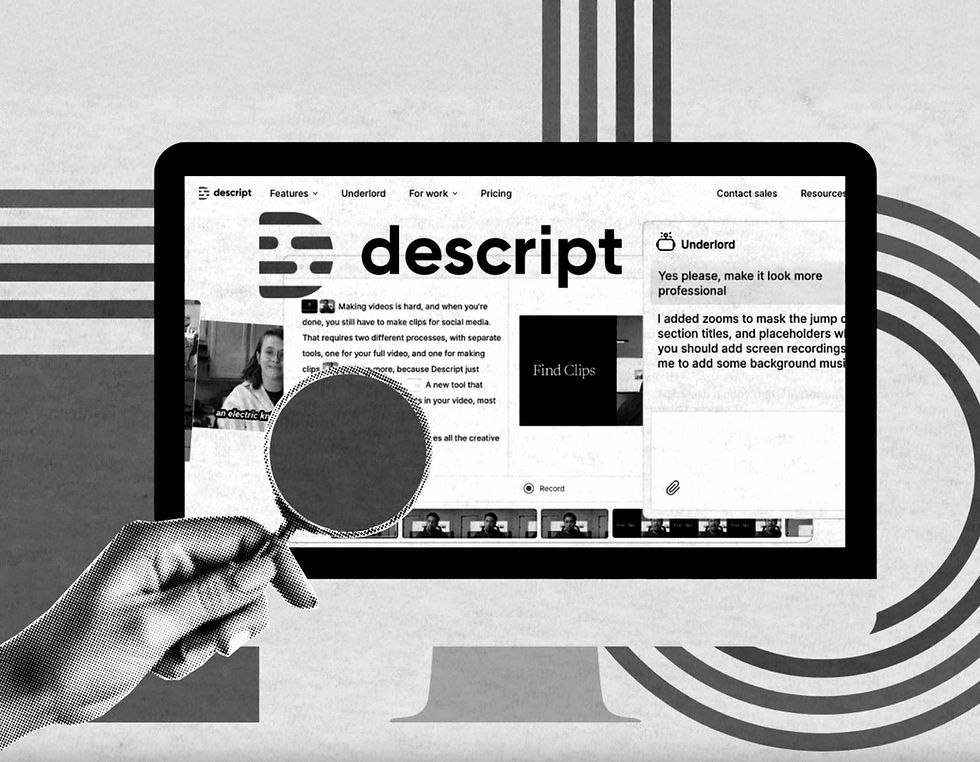
Descript is one of the most talked-about tools in post-production — and for good reason. It allows creators to edit video and audio files as easily as editing text in a document.
Here’s what makes Descript so useful for studio-based content creation:
Text-Based Editing: Edit video by editing the transcript. Delete a line of dialogue from the transcript, and it’s deleted from the video.
Automatic Transcription: Descript instantly transcribes your footage with impressive accuracy.
AI Voice Tools: Fill in missing words or re-record sections using realistic voice cloning.
Screen Recording and Overlays: Perfect for corporate presentations or training videos.
Collaboration Features: Multiple users can edit and comment on the same project in real time.
If you’re filming at TSS Studios, tools like Descript are perfect for managing corporate shoots, talking head interviews, podcasts, or product demos — especially when paired with our DIY Studio Hire options, which give you complete creative control from start to finish.
Learn more about our DIY Studio Hire options.
The Best AI Tools to Pair with Descript
Descript is a great foundation, but it’s not the only AI tool that can automate your studio post-production. Here are a few others that can boost your efficiency and production value:
Runway ML – Ideal for removing backgrounds, generating visual effects, or even replacing skies.
Adobe Podcast Enhance – Cleans and balances your audio automatically, giving it a professional studio finish.
DaVinci Resolve with Neural Engine – Uses AI for face detection, smart colour correction, and object tracking.
Otter.ai – Great for live transcription during interviews or events.
Pictory – Automatically creates short-form clips from longer videos for platforms like TikTok or Instagram.
These tools can be powerful allies, especially when you’re working with high-quality footage captured in a professional studio environment like ours.
A Step-by-Step Guide to Automating Your Workflow
If you’re ready to embrace automation, here’s how you can integrate Descript and AI tools into your studio workflow:
1. Plan and Record at a Professional Studio
Start with strong footage. Shooting in a controlled environment like TSS Studios gives you clean visuals and audio, making automation tools far more effective. Our green screen cyclorama and LED lighting grid ensure your footage is evenly lit and easy to edit.
2. Import and Transcribe Automatically
Once your footage is recorded, upload it to Descript or Otter.ai for instant transcription. This gives you a full script view, making it easier to navigate and cut.
3. Use Text-Based Editing to Trim Your Content
Highlight sections of text to delete unwanted lines or pauses. Descript syncs these edits to the video automatically — no timeline dragging required.
4. Enhance Audio with AI Tools
Run your file through Adobe Podcast Enhance to remove background noise and balance the tone. You can also use AI-driven EQ and compression tools for an even cleaner sound.
5. Automate Captions and Graphics
Descript and Pictory both allow you to auto-generate captions, titles, and lower-thirds. This is particularly useful for corporate presentations or marketing videos.
6. Create Social Media Snippets
Once your main video is finished, use AI tools to cut highlights or short clips for platforms like LinkedIn, Instagram, or TikTok.
Our studio makes this even easier — check out our Video Content Studio for professional-grade recording options.
Why AI Works Best with Professional Footage
Even the most advanced AI tools rely on good source material. Filming in a professional studio gives you high-quality lighting, sound, and visuals that automation tools can process more accurately.
At TSS Studios, our facilities are designed to support both professional productions and DIY creators. Whether you’re recording a corporate presentation, online course, or podcast, our sound-treated studio room, green screen cyclorama, and motorised blackout curtains give you complete control over your environment.
Common Mistakes to Avoid When Using AI Tools
AI is powerful, but it’s not perfect. Here are a few things to watch out for when automating your studio post-production:
Relying too heavily on automation – Always review your edits manually to catch awkward transitions or unnatural voice replacements.
Poor source audio – AI can’t fix everything; record clean sound at the source.
Overusing filters and effects – Keep edits subtle and professional.
Ignoring human touch – AI is a tool, not a replacement for creativity.
Automation should enhance your workflow, not replace your judgment.
Automate Your Studio Post-Production — the Smart Way
At TSS Studios, we’re passionate about helping creators and businesses simplify their production process. By using smart tools like Descript, paired with our professional studio hire options, you can dramatically reduce editing time while keeping production quality high.
Automation doesn’t mean losing control — it means gaining efficiency. When you combine the creative flexibility of a professional studio environment with modern AI tools, you get the best of both worlds: polished, professional results without the production headaches.
Ready to start creating? Book a Free Studio Tour or call us on 1300 698 558 to see how TSS Studios can help bring your next project to life.


Comments